Feature Friday Episode 4: Ad Hoc Notifications


Keeping Teams Aligned Shouldn't Require Extra Emails and Meetings.
Communication is critical to keeping business processes moving efficiently. Whether following up on an outstanding invoice, requesting additional information, or assigning a task to a coworker, employees need a simple way to collaborate without leaving Microsoft Dynamics 365 Business Central.
Unfortunately, many organizations still rely on separate emails, chat messages, or manual reminders to communicate about transactions and customer records. This creates additional work, increases the risk of missed follow-ups, and makes it difficult to keep important conversations connected to the documents they relate to.
Feature Friday Episode 4 demonstrates how RUX Advanced Notifications helps teams communicate directly within Business Central through Ad Hoc Notifications, allowing users to send notes, assign tasks, and keep everyone informed without disrupting their workflow.
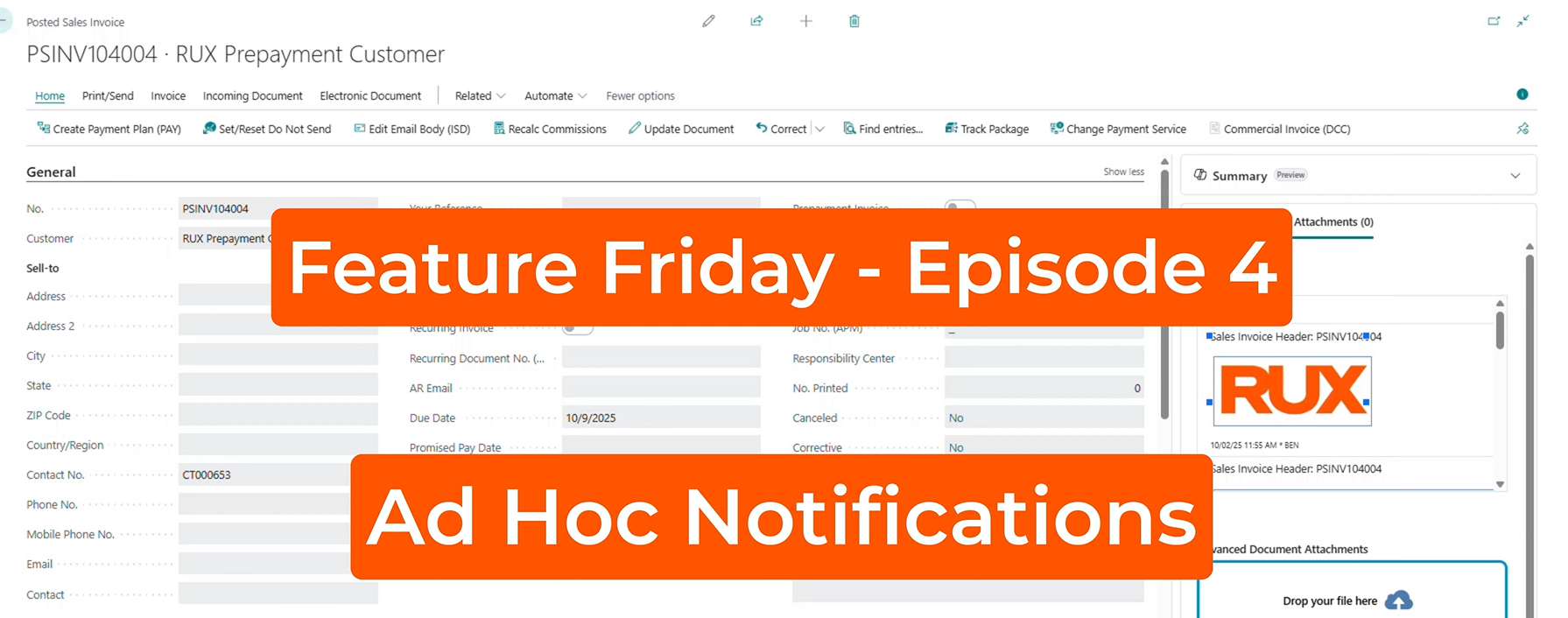
The Challenges of Internal Communication and Task Management.
Business processes often involve multiple departments working together. Accounting teams may need assistance collecting outstanding payments, sales teams may need updates on customer requests, and operations staff frequently collaborate on order processing and fulfillment activities.
When communication happens outside of Business Central, important context can be lost. Employees are forced to search through emails, track down conversations, or manually reference documents to understand what action is needed.
These inefficiencies can result in missed follow-ups, longer response times, and additional administrative effort.
Common Challenges
- Relying on separate email conversations
- Losing context between systems
- Delayed responses and follow-ups
- Difficulty tracking internal requests
- Increased administrative effort
Introducing Ad Hoc Notifications.
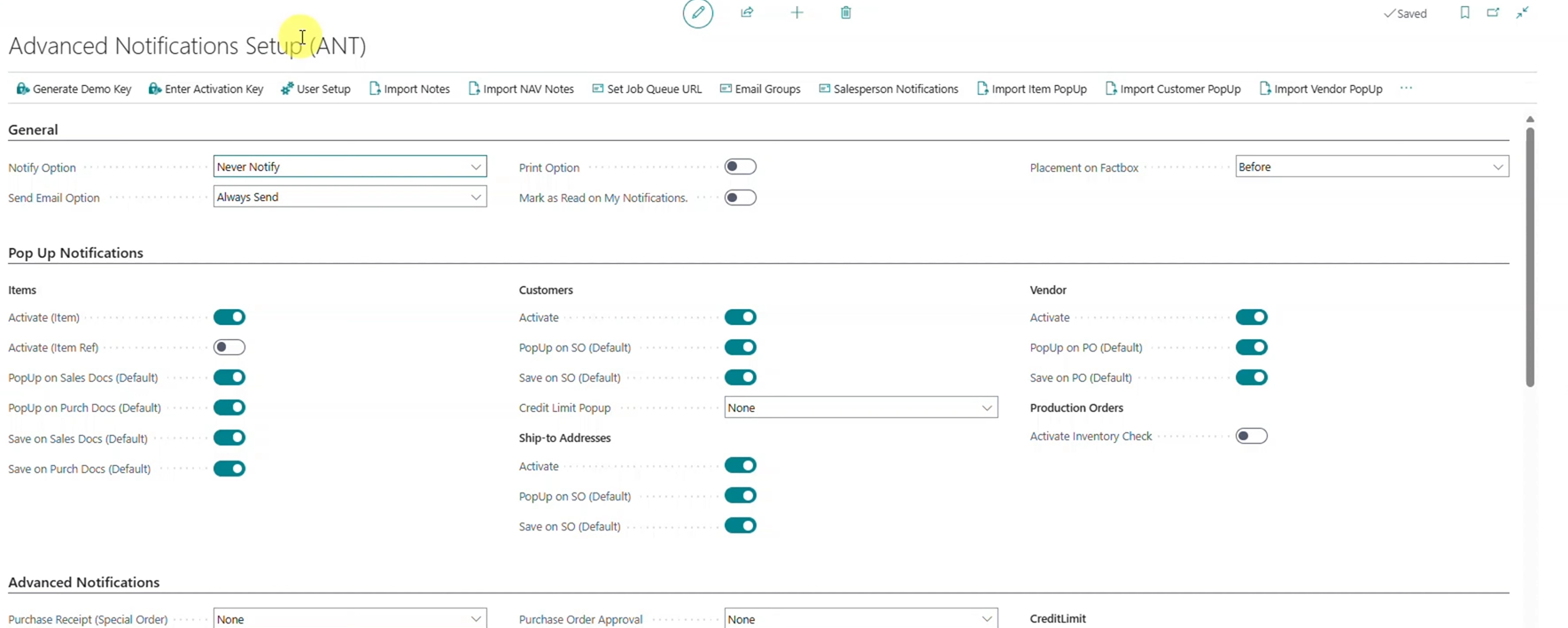
RUX Advanced Notifications includes an Ad Hoc Notifications feature that allows users to quickly communicate with coworkers directly from Business Central.
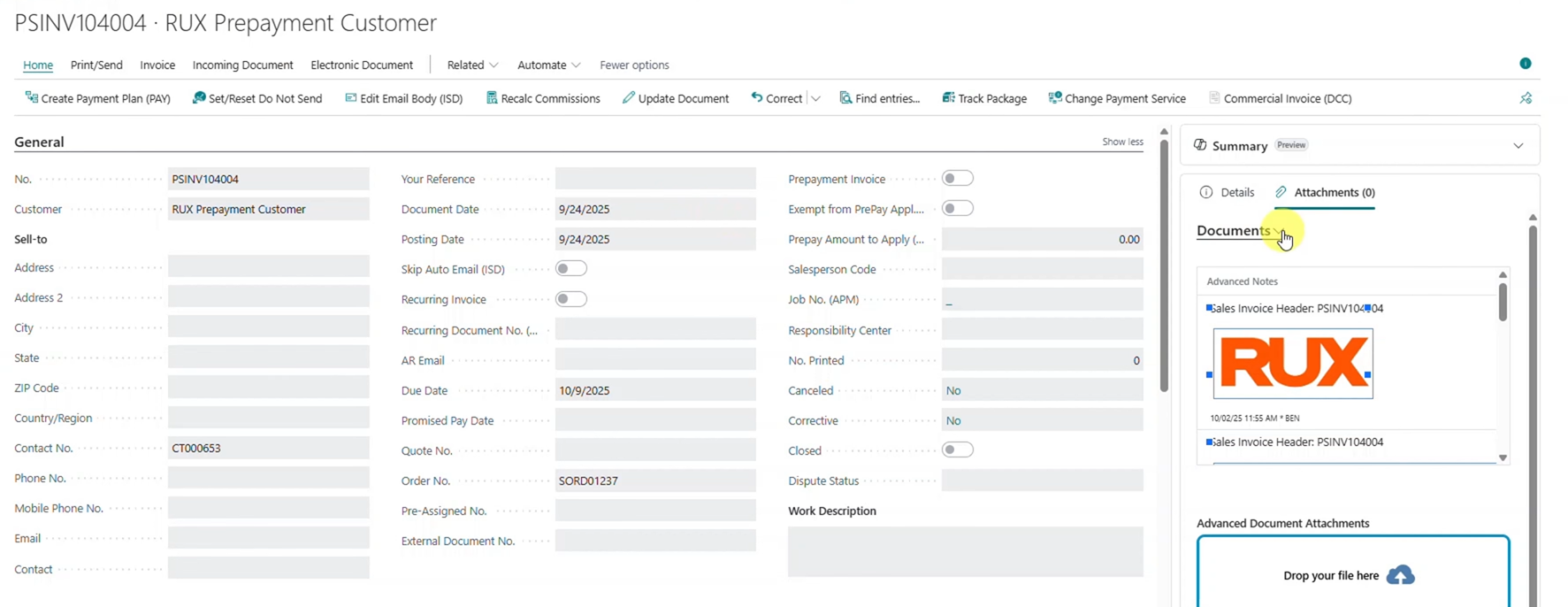
After configuring users and email addresses, employees can navigate to virtually any record within Business Central and create notes directly from the available factbox. Whether it's a customer record, sales order, invoice, or other document, users can send contextual notifications without leaving the page they are working on.
This creates a more streamlined communication process while helping teams stay focused on the task at hand.
Key Benefits
- Send notifications directly from Business Central
- Improve team collaboration
- Reduce communication delays
- Keep conversations connected to records
- Minimize manual follow-up processes
Add Notes Directly to Business Central Documents.
One of the most valuable aspects of Ad Hoc Notifications is the ability to communicate within the context of a specific transaction.
As demonstrated in this episode, a user reviewing a posted sales invoice can quickly send a message requesting a colleague to follow up on payment collection. Instead of creating a separate email and manually referencing the invoice number, the communication stays connected to the original document.
This helps reduce confusion while ensuring employees have the information they need to take action quickly.
Enhance Communication with Rich Text Formatting.
Not every internal communication fits into a simple text message.
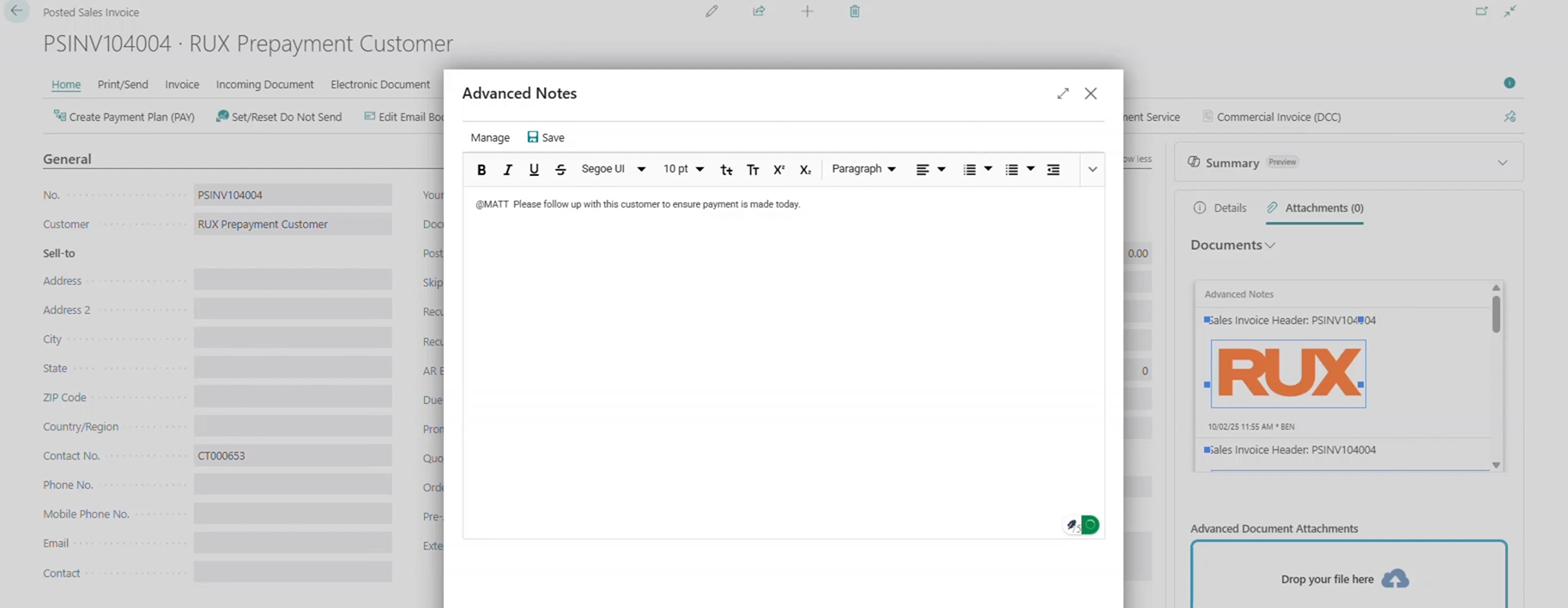
RUX Advanced Notifications includes an optional rich text HTML editor, allowing users to create more detailed and formatted messages when needed. Important information can be highlighted and organized more effectively, improving readability and helping recipients quickly understand the requested action.
By providing greater flexibility in message creation, teams can better communicate complex requests without sacrificing efficiency.
Key Benefits
- Create more detailed notifications
- Improve message readability
- Highlight important information
- Support formatted communication
- Enhance user experience
Keeping Teams Connected with Direct Navigation.
Sending a notification is only part of the process. Employees also need a quick way to access the related information.
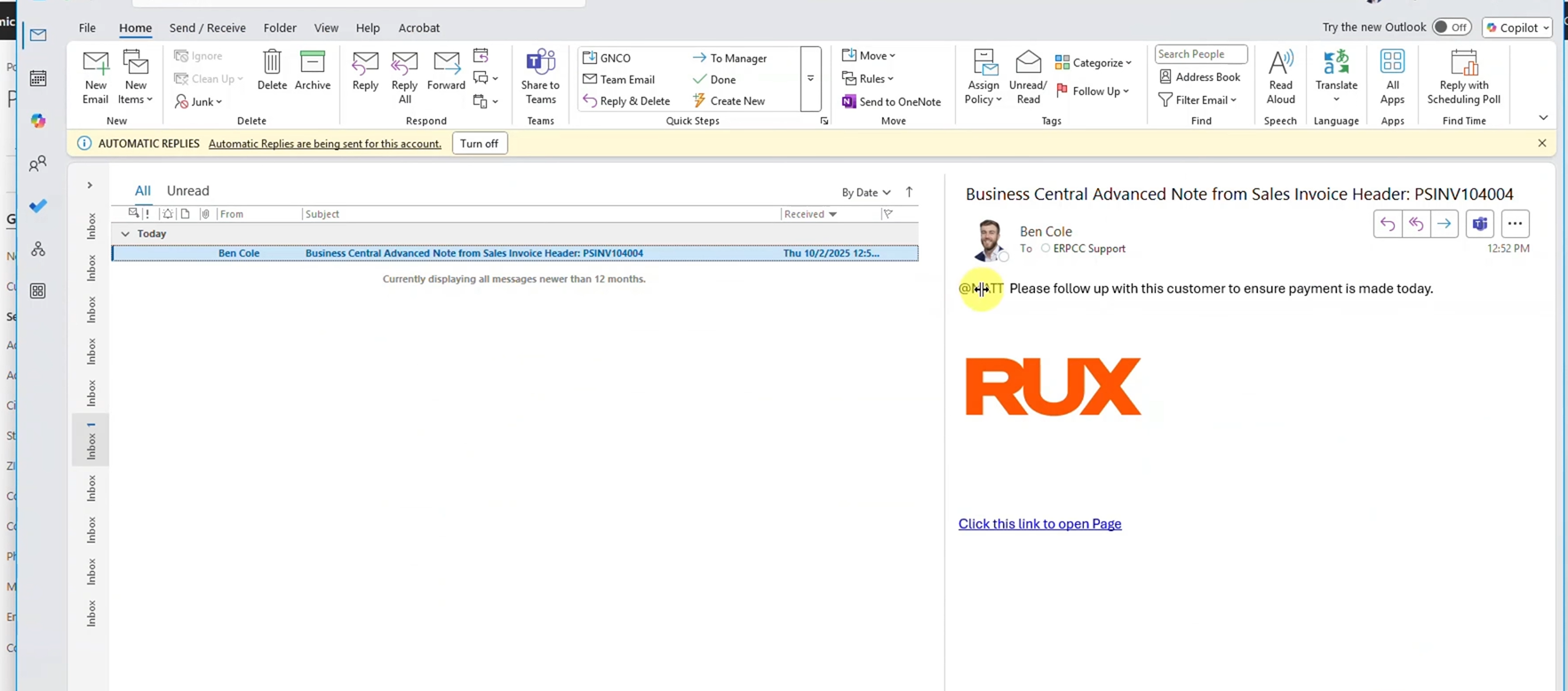
When a user receives an Ad Hoc Notification through email, the notification includes a direct link back to the exact Business Central document where the note originated. Rather than searching through records manually, recipients can immediately navigate to the correct page and begin working on the requested task.
This significantly reduces the time needed to locate information and helps teams respond more efficiently.
Notes Follow Documents Throughout the Process.
A common concern with document-based communication is whether notes remain connected as transactions move through their lifecycle.
As demonstrated in this episode, notes created on unposted documents are retained as those documents become posted records. This ensures important communication history remains available throughout the entire process and helps maintain continuity across departments.
Organizations gain greater visibility into previous discussions while reducing the risk of important information being lost.
Key Benefits
- Maintain communication history
- Improve document traceability
- Keep teams informed
- Reduce lost information
- Support process continuity
Greater Flexibility for Growing Organizations.
As organizations grow, collaboration becomes increasingly important. Employees need efficient ways to communicate about customers, invoices, sales orders, and other business transactions without creating additional administrative work.
RUX Advanced Notifications helps organizations improve internal communication by enabling document-based notifications directly within Microsoft Dynamics 365 Business Central.
By keeping conversations connected to business records, organizations can reduce delays, improve accountability, and create more efficient workflows across departments.
Watch Feature Friday Episode 4
Watch the full Feature Friday episode to see how RUX Advanced Notifications allows users to send ad hoc notes, communicate directly from Business Central records, leverage rich text formatting, and quickly navigate back to the exact documents that require attention.
Ready to improve collaboration in Microsoft Dynamics 365 Business Central? Download a FREE 30-day trial of RUX Advanced Notifications from Microsoft AppSource today and discover a more efficient way to keep teams aligned and tasks moving forward.



Ready to take control of your operations?
RUX engineered oil and gas field service software to fit your operation—no patches, no guesswork. Business Applications built and configured for the oilfield service industry, our software solutions give you clarity and control to move forward with confidence.