Feature Friday 2: Automated Customer Statements with Invoice Attachments in Business Central


Managing customer statements shouldn't create more work.
For many accounts receivable teams, sending statements is only half the job.
The real work often begins when customers reply asking for the supporting invoices. Teams are then forced to dig through records, locate documents, attach files manually, and send follow-up emails. While each request may only take a few minutes, those minutes add up quickly across dozens or hundreds of customers.
Some of the most common challenges include:
- Customers receiving statements without supporting invoices
- Time spent manually locating and attaching invoice PDFs
- Repetitive back-and-forth communication with customers
- Inconsistent statement delivery processes
- Limited visibility into what was sent and when
In this Feature Friday Episode 2 video, Ben Cole, Strategic Sales Executive, demonstrates how the RUX Invoice & Statement Delivery extension helps automate customer statement delivery while automatically including related invoice attachments.
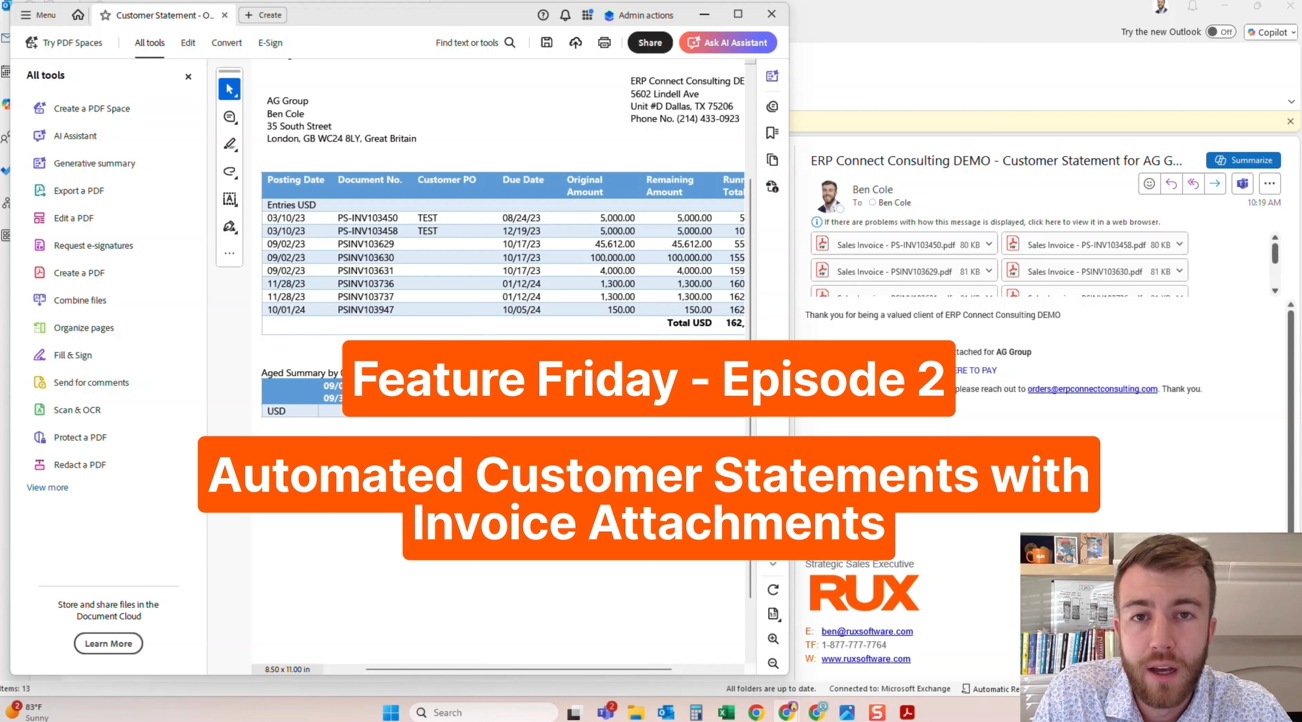
Why statement delivery matters.
Customer statements play a critical role in the collections process. They help customers understand outstanding balances, identify overdue invoices, and prepare payments.
The challenge is that a statement alone often doesn't provide enough information. Many customers need copies of the underlying invoices before they can approve payment, process accounts payable transactions, or investigate outstanding balances.
As a result, finance teams frequently find themselves responding to the same requests:
"Can you resend those invoices?"
What should be a simple statement delivery process turns into additional administrative work that delays collections efforts and takes time away from higher-value responsibilities.
Without automation, organizations often rely on manual processes that increase workload while creating opportunities for delayed communication and inconsistent customer experiences.
A smarter approach to statement delivery.
With the RUX Invoice & Statement Delivery extension for Business Central, customer statements can be automatically distributed with all related invoice attachments included from the start.
Our Feature Friday Episode 2 video demonstrates how users can:
Automate statement delivery
Statements can be sent automatically through scheduled job queues, reducing manual effort and ensuring customers receive communications consistently.
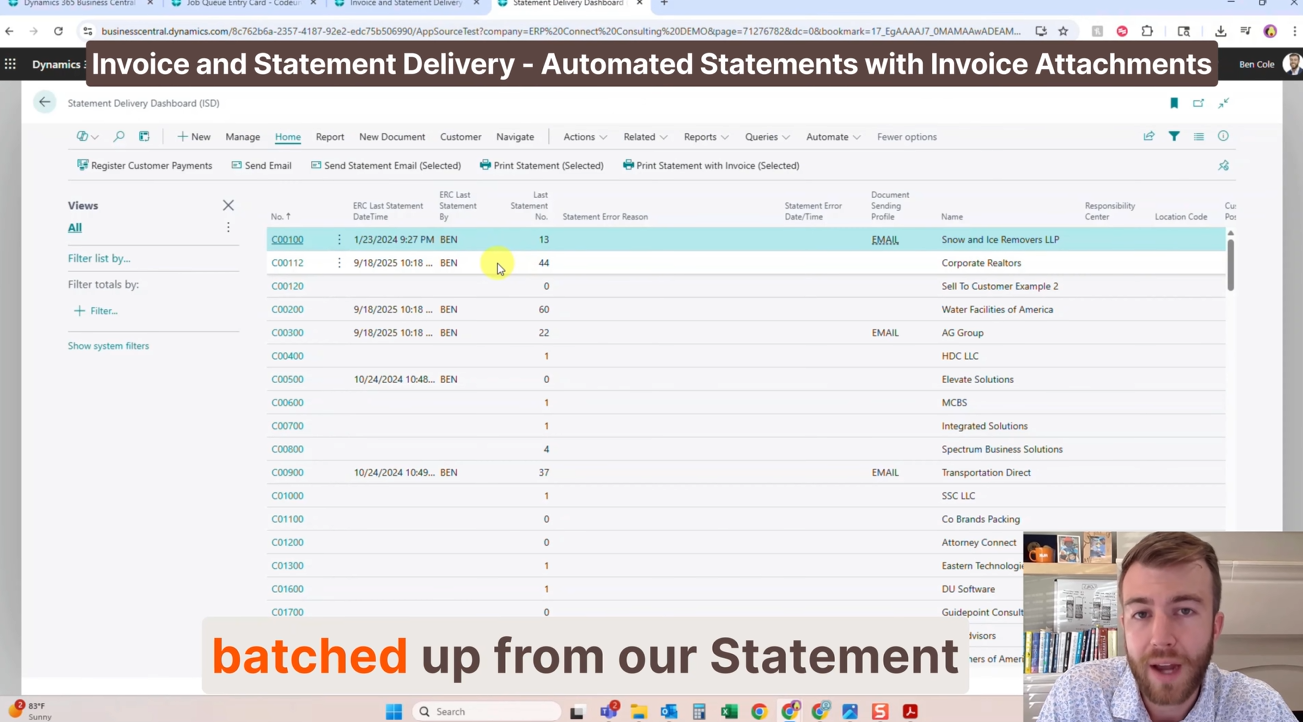
Batch-send statements
Teams can distribute large volumes of statements directly from the Statement Delivery Dashboard, improving efficiency during collections cycles.
Customize customer communication
Statement emails can be tailored using a rich-text HTML email editor, allowing organizations to maintain professional branding and messaging.
Automatically attach related invoices
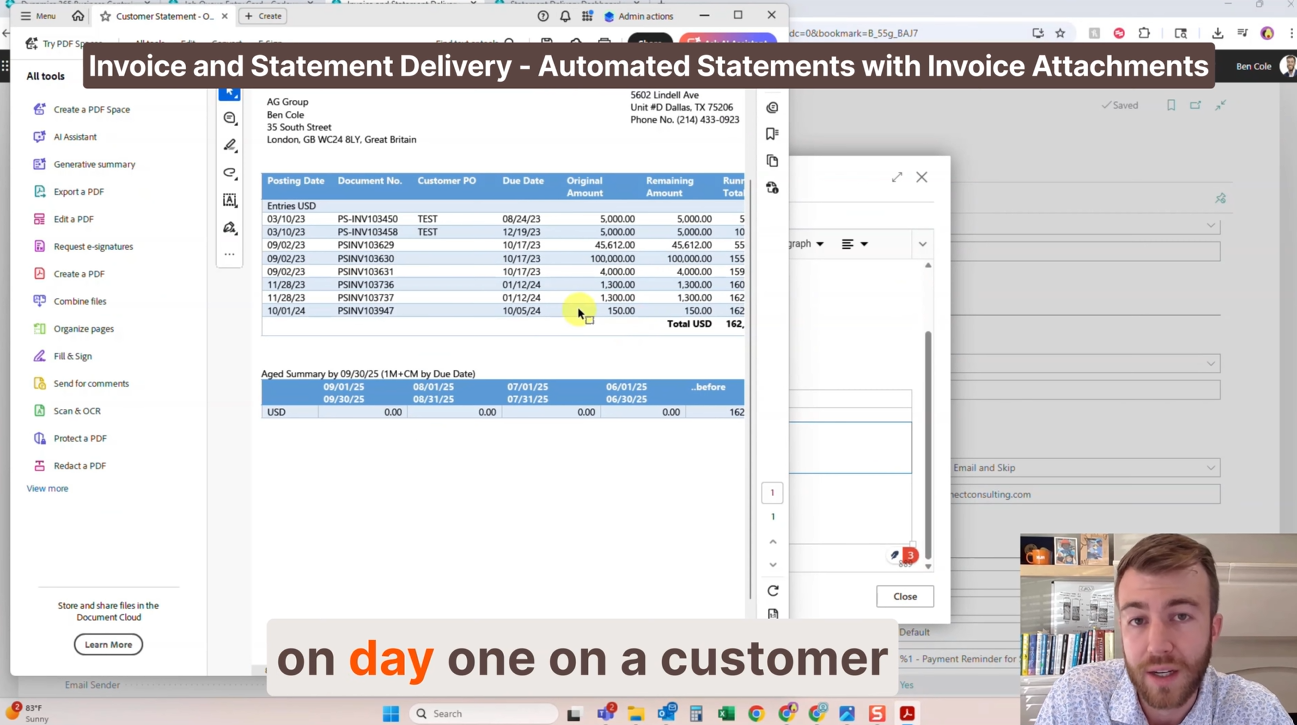
Supporting invoices can be included with every statement automatically, eliminating the need for customers to request additional documentation.
Consolidate invoice attachments
For customers with high invoice volumes, multiple invoices can be combined into a single PDF attachment, making communication cleaner and easier to manage.
Track delivery activity
The solution provides visibility into who sent statements, when they were delivered, and what communications have been issued to customers.
Configure customer-specific preferences
Delivery settings can be customized at the customer level, providing flexibility to support different customer requirements.
Built for real-world accounts receivable teams.
Accounts receivable teams spend a significant amount of time managing customer communication. While individual tasks may seem minor, repetitive administrative work can consume valuable resources over time.
By automating statement delivery and attaching invoices automatically, organizations can:
- Reduce customer follow-up requests
- Eliminate repetitive administrative work
- Improve communication consistency
- Accelerate collections processes
- Increase visibility into document delivery
- Deliver a more professional customer experience
- Allow AR teams to focus on higher-value activities
Instead of repeatedly searching for invoices and responding to documentation requests, teams can spend more time on collections strategy, customer relationships, and process improvements.
Watch the full Feature Friday episode.
In the full Episode 2 video, Ben also walks through:
- Automated statement delivery through job queues
- Batch statement processing
- HTML email customization
- Automatic invoice attachment functionality
- Invoice consolidation into a single PDF
- Delivery tracking and audit history
- Customer-level delivery configuration
If your team spends time responding to invoice requests after statements have already been sent, this episode demonstrates how a more automated approach can eliminate unnecessary back-and-forth while improving customer communication.
Watch Feature Friday Episode 2 to see Automated Customer Statements with Invoice Attachments in action.
If this sounds helpful, explore more Business Central productivity tips on the RUX Software YouTube channel and subscribe so you never miss a Feature Friday episode!



Ready to take control of your operations?
RUX engineered oil and gas field service software to fit your operation—no patches, no guesswork. Business Applications built and configured for the oilfield service industry, our software solutions give you clarity and control to move forward with confidence.